
Production Server
AWS
482 91318s
SHARED 2FA FOR TEAMS
Give teammates access to the 2FA codes they need, with permissions you control. Keep work moving—even when the account owner is offline.
Your accounts. Your team. Access on your terms.
 Railway
 Render
 Supabase
Encrypted storageAES-256-GCM
Granular permissionsYou control access
Built for teamsLess waiting
INTERACTIVE DEMO
3 accounts · Shared with your team
AWS
GitHub
Supabase
Fictional accounts · Demo codes only
Try copying a demo code below.
No complicated browser extensions or hardware tokens required.
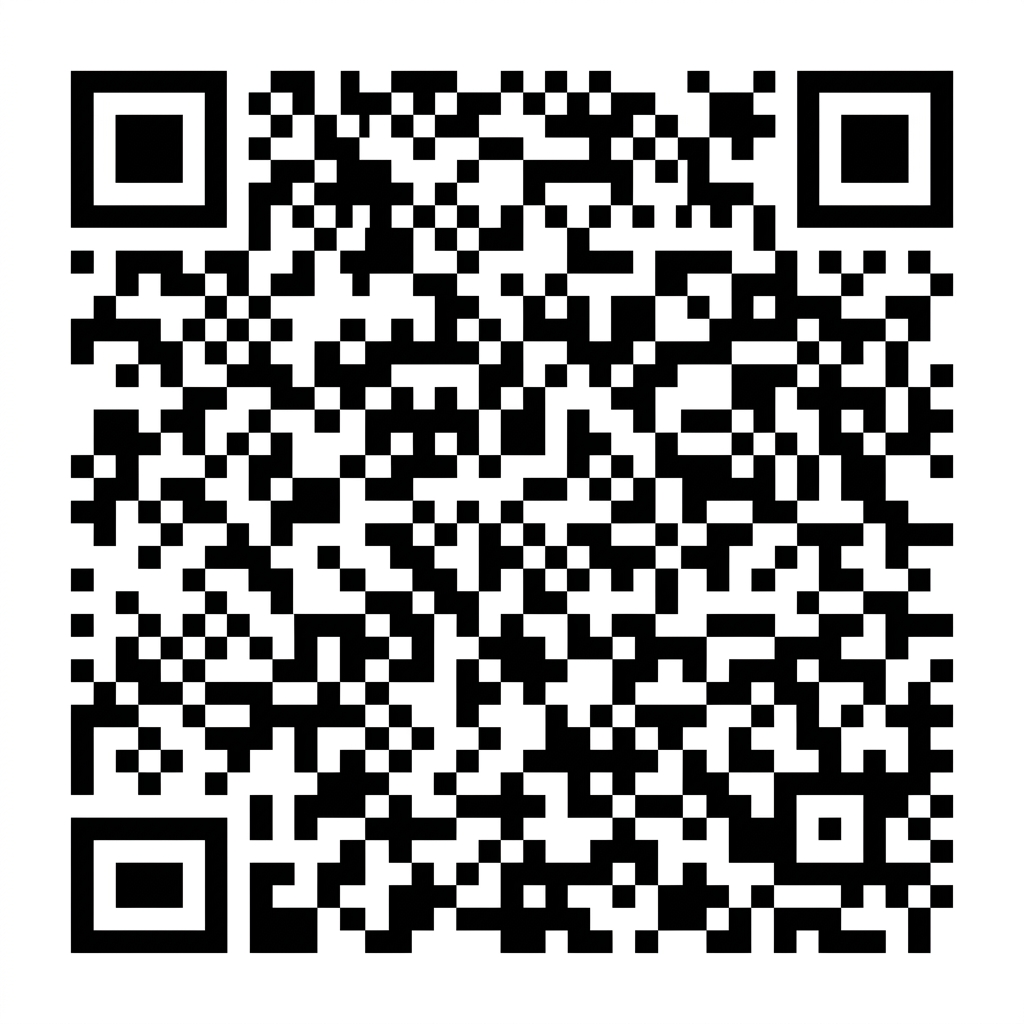
Scan the QR code from your authenticator app
Scan any standard 2FA QR code with your camera or enter the secret setup key manually.
Access role
Can view and copy codes
Can view, copy and manage access
Enter your colleague’s email address and assign them a Viewer or Admin access role.
Acme Studio
Teammates log in to Pair2FA to view live 30-second verification codes with 1-click copy.
Free for 2 people and 3 accounts. No credit card required.
Give teammates what they need to work. Keep control over every account you share.
Share specific accounts with specific teammates. Everyone sees only what they're given access to.
Viewer can view and copy codes. Admin can view, copy and manage access (if supported).
Revoke a teammate's access anytime. Their access will be removed based on our current session and token policy.
Each teammate uses their own Pair2FA account. No shared Pair2FA credentials.
Manage your 2FA accounts
Acme Studio
People with access
Start free, upgrade when you need more. No long-term contracts.
For small teams exploring Pair2FA.
More members. Unlimited accounts.
Pay yearly and get two months free.
Simpler management. No individual plans.
Everyone signs in with their own Pair2FA account.
No long-term contracts. Keep access until the end of your billing period.
Export your accounts anytime, even if you cancel.
Quick answers to common questions about Pair2FA.
Share 2FA access. Save time. Stay secure.
Be up and running
Simple permissions
Cancel anytime